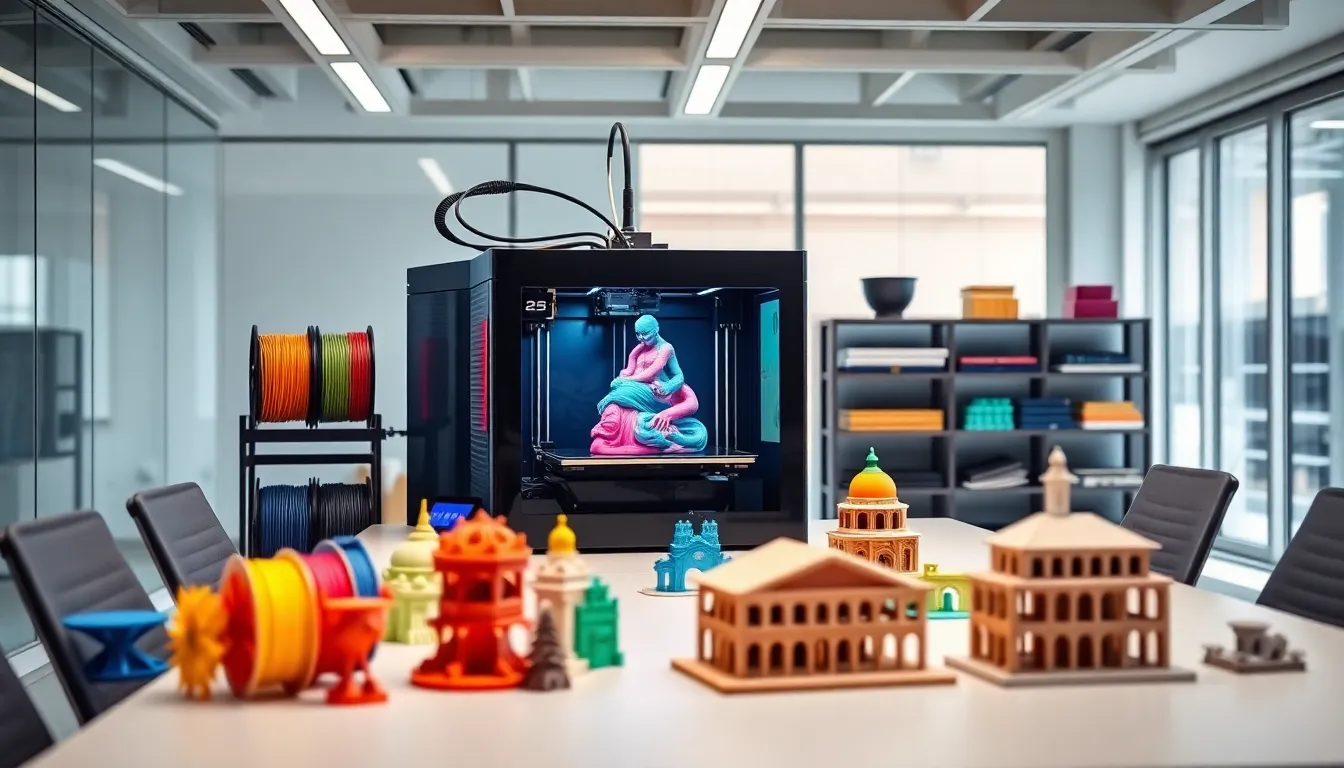
In the world of 3D printing, having the right upgrades can turn a good machine into a great one. Imagine transforming your trusty printer from a humble creator of plastic trinkets into a powerhouse that churns out intricate designs like a pro. Whether it’s a new nozzle or a fancy extruder, the right enhancements can elevate your printing game to new heights.
But let’s be real—upgrading a 3D printer can feel like a game of “which part will break next?” Fear not! With the right knowledge, he or she can navigate this upgrade maze with ease and maybe even a chuckle or two. Buckle up as we explore the top three upgrades that’ll not only boost performance but might just make your printer the envy of the neighborhood.
Overview of 3D Printer Upgrades
Upgrading a 3D printer enhances performance significantly, allowing users to achieve better print quality and reliability. Many hobbyists and professionals seek improvements in speed, accuracy, and material compatibility. Essential upgrades often include components such as the hotend, extruder, and firmware.
Investing in a high-quality hotend can facilitate the use of a broader range of filaments. Users looking to print with advanced materials like nylon or carbon fiber benefit from a high-temperature hotend. Additionally, replacing the stock extruder with a direct drive extruder increases precision in filament feeding, reducing the risk of clogs.
Choosing the right firmware upgrade can optimize printer settings and functionality. This upgrade allows for features like adaptive stepping and advanced temperature control, which further enhance print quality. Custom firmware also provides additional settings for calibrating and fine-tuning printers.
Improving the build platform contributes to better adhesion and easier print removal. Users who switch to a glass or magnetic build plate notice lower warping rates and consistent temperature distribution. This change significantly reduces print failures and enhances overall productivity.
Cooling upgrades become essential for fine-tuning details in intricate models. Users find improved print quality in small designs after installing faster or more efficient cooling fans. Effective cooling leads to better layer adhesion and surface finish.
These upgrades improve production capabilities, ensuring that printers meet higher demands and produce outstanding results. Understanding the importance of each upgrade helps users make informed choices for their specific needs and goals.
Popular Upgrades for 3D Printers
Upgrading a 3D printer enhances its capabilities and transforms it into a more reliable tool. Here are some of the most popular upgrades to consider:
Hotend Upgrades
Hotend upgrades improve a printer’s ability to handle various filament types. High-quality hotends like the E3D V6 or Prusa hotend allow for higher temperature tolerance and smoother extrusion. Increased compatibility with exotic filaments such as nylon or flexible materials enhances the types of projects a user can undertake. Investing in a titanium or all-metal hotend can also eliminate clogs and improve overall performance. Multi-material hotends further extend versatility, accommodating colors and textures for intricate designs.
Extruder Modifications
Extruder modifications contribute to better precision and control during printing. Replacing a stock extruder with a direct drive model improves filament feeding and reduces the chance of jams. Direct drive systems provide better retraction control, essential for high-speed printing and fine details. Additionally, switching to a geared extruder increases torque, ideal for handling flexible filaments. Implementing a bonder or dual drive extruder also aids in achieving consistent extrusion, thereby enhancing print quality.
Build Plate Enhancements
Build plate enhancements significantly impact adhesion and warping reduction. Users often replace stock surfaces with glass or PEI sheets to create a flatter and smoother base, promoting better adhesion. Magnetic build plates also offer convenient removal of prints while minimizing surface damage. Upgrading to a heated build plate allows for improved adhesion during the printing process, particularly with materials like ABS or PETG. Utilizing flexible build surfaces further simplifies print removal, ensuring easier maintenance and higher productivity.
Performance Improvements
Upgrading a 3D printer leads to noticeable performance improvements. Users experience enhanced print quality, increased speed, and greater efficiency with the right modifications.
Print Quality Enhancements
Improved seamless extrusion results from high-quality hotend installations. Higher temperature tolerances allow printers to handle advanced filament types. Direct drive extruders enable better precision, leading to sharper details in prints. Users see reduced stringing and improved layer adhesion with proper cooling solutions. This combination of upgrades transforms basic outputs into professional-grade parts.
Speed and Efficiency Boosts
Acceleration and jerk settings can optimize firmware configurations for greater speed. Dual drive extruders provide better filament feed rates crucial for faster projects. Upgraded motion systems, such as linear rails, allow for smoother movements, reducing print times. Larger nozzles can also speed up the extrusion process while maintaining satisfactory quality. Each modification contributes to a more efficient workflow, enabling more prints in less time.
Considerations Before Upgrading
Upgrading a 3D printer involves careful thought. Evaluating cost versus benefit ensures worthwhile investments.
Cost vs. Benefit Analysis
Assessing costs against potential improvements helps gauge the value of upgrades. Some upgrades, like high-quality hotends, significantly boost print quality and material compatibility, making them worth the investment. Conversely, minor modifications might not yield substantial results. Analyzing the potential return on investment for each upgrade assists in prioritizing options. Researching prices for upgrades also plays a crucial role in budget considerations. Many users find that focusing on performance-oriented upgrades leads to long-term savings in material and time.
Compatibility with Existing Setup
Compatibility of upgrades with the existing printer setup prevents future issues. Evaluating specifications of parts ensures seamless integration with the printer’s components. Certain hotends and extruders may require specific mounts or firmware updates. Compatibility covers more than hardware; it also includes available upgrades for firmware management. Users should examine their printer’s capabilities before proceeding with any enhancements. Consulting user communities or forums can offer insights and experiences regarding upgrade successes or difficulties. Testing compatibility prior to significant investments aids in preventing unnecessary complications.
Conclusion
Upgrading a 3D printer opens up a world of possibilities for enthusiasts and professionals alike. By investing in key enhancements like high-quality hotends and direct drive extruders, users can significantly elevate their printing experience. These upgrades not only improve print quality but also expand material compatibility and speed.
With careful planning and consideration of compatibility, users can make informed decisions that lead to impressive results. The right upgrades can transform a standard machine into a reliable tool capable of producing intricate designs. Embracing these enhancements ensures that every print meets the highest standards of quality and efficiency.